What are OmniGPT's file upload limitations?
updated 2 months ago
In this article:
OmniGPT allows you to upload and work with various document types, subject to certain limitations and format requirements.
File Limitations
Maximum file size: 32 MB per file
Supported formats:
PDF
DOC
DOCX
CSV
Note: We are actively working on adding support for additional file formats. If you need a specific format, please contact us or add your suggestion to our wishlist in our community.
How to Upload Files
There are three ways to upload documents to OmniGPT:
Using the Upload Button:
Click the "+" button
Select "Upload document"
Drag and Drop:
Simply drag your file from your computer
Drop it into the chat interface
File Library:
Access previously uploaded files
Select from your saved documents
Reuse files across different conversations
Working with Uploaded Files
Accessing Your Files
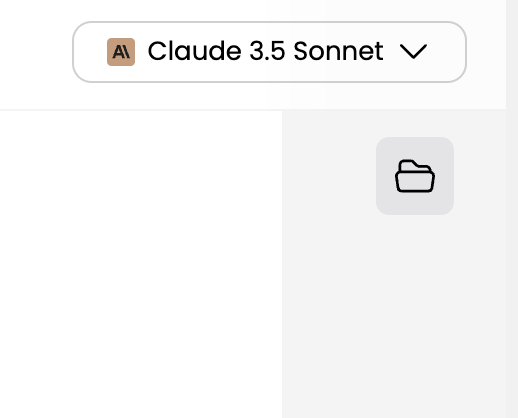
Click the folder icon in the top right corner
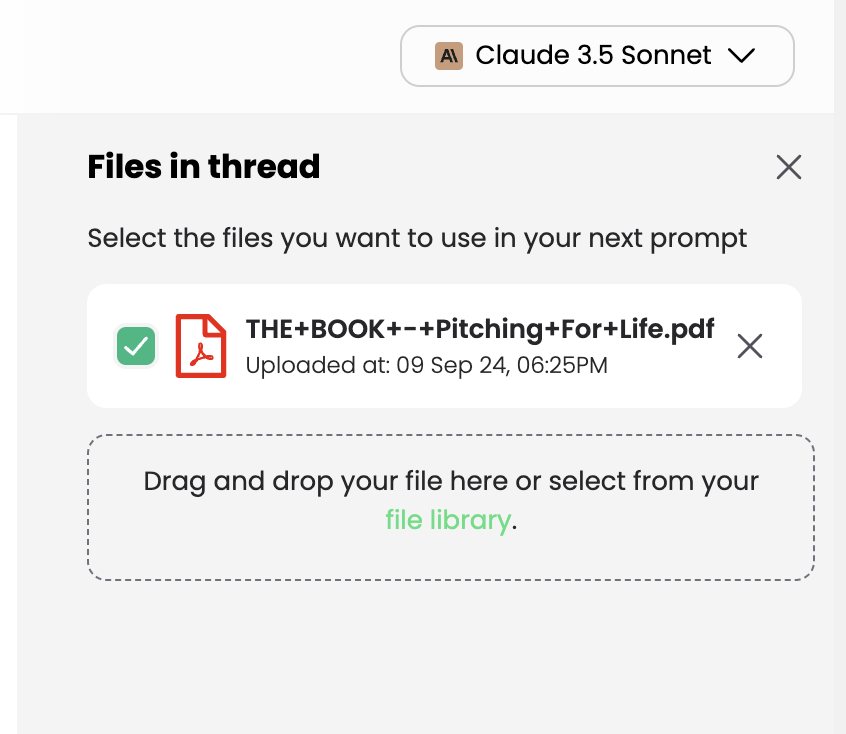
View all files uploaded to the current thread
Upload new files directly from this menu
Using Files with Language Models
To ensure the AI considers your uploaded content:
Make sure the file is selected on the right panel
The language model will then incorporate the file's content in its responses
As long as the file remains selected, all answers will be based on both your prompts and the file's content
For the language model to properly reference your document's content, always verify that the desired file is selected before asking questions.
Was this article helpful?