Connecting OmniGPT with WhatsApp
updated 2 months ago
OmniGPT integrates with WhatsApp to provide AI-powered assistance directly in your messages. Using the Perplexity's model, you can fact-check information, get real-time answers, and access AI help wherever you are.
Prerequisites
An active OmniGPT Plus subscription
An active WhatsApp account linked with your phone number
Connection Steps
Navigate to Integrations
Log in to your OmniGPT account
Click on "Integrations" in the top navigation bar

Connect WhatsApp
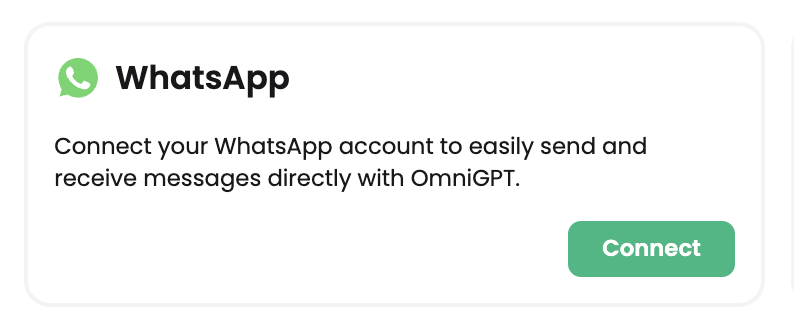
Find the WhatsApp section
Click the "Connect" button
Set Up Your Number
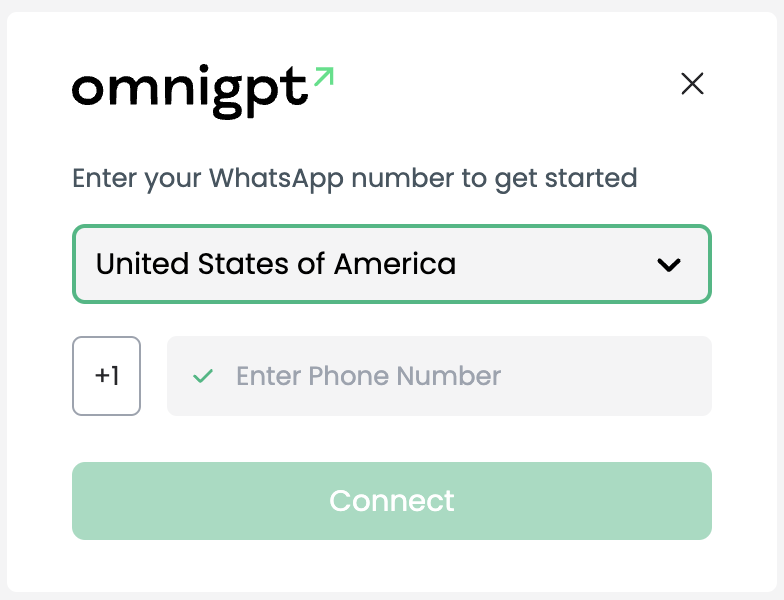
Select your country from the dropdown menu
Enter your phone number
Click "Connect"
Verify Connection
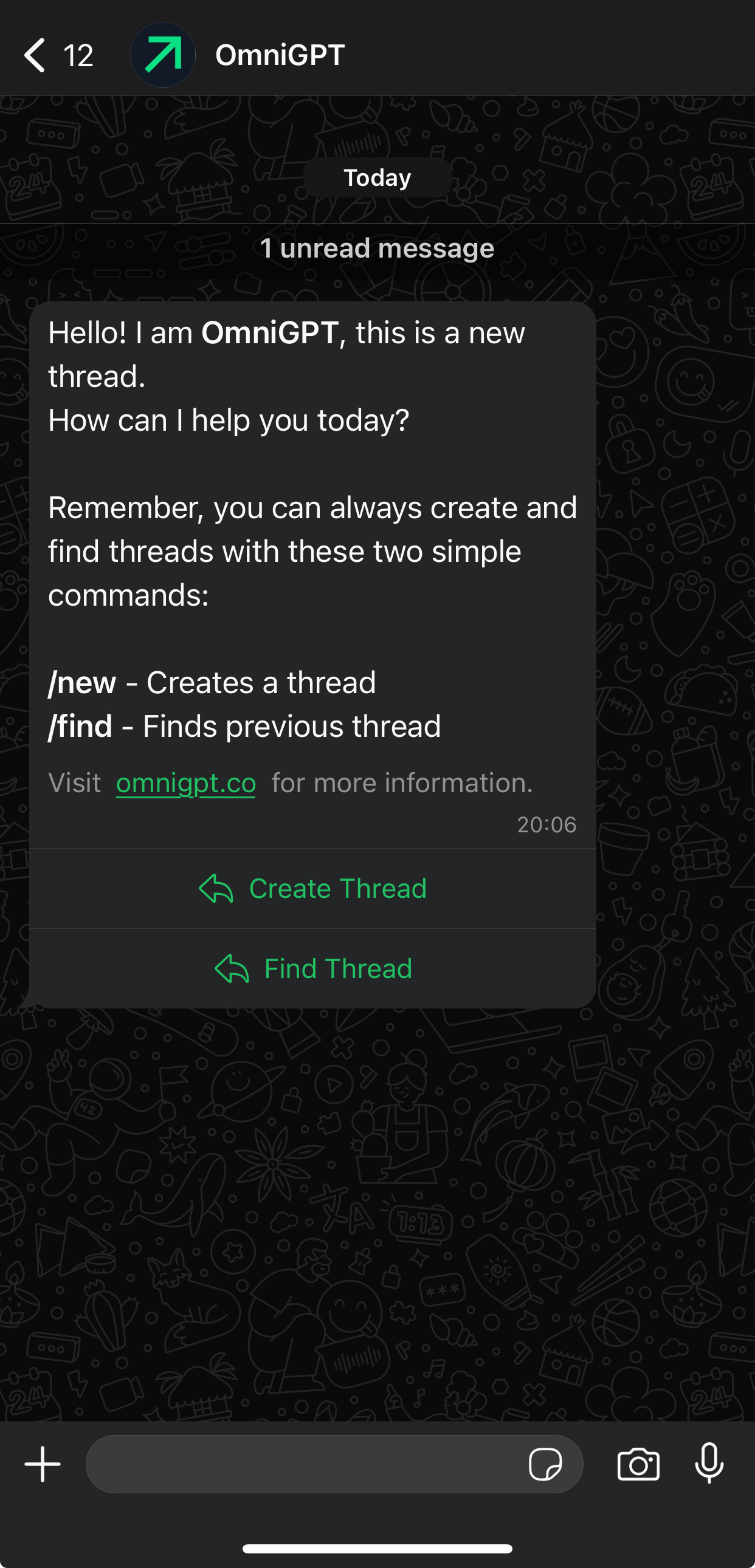
Check your WhatsApp for a welcome message
Your connection is now complete!
Getting Started
Once connected, you have two options to start using OmniGPT in WhatsApp:
Create Thread: Click this option to start a new conversation
Find Thread: Use this to access any of your previous conversations from the OmniGPT web app
Was this article helpful?